
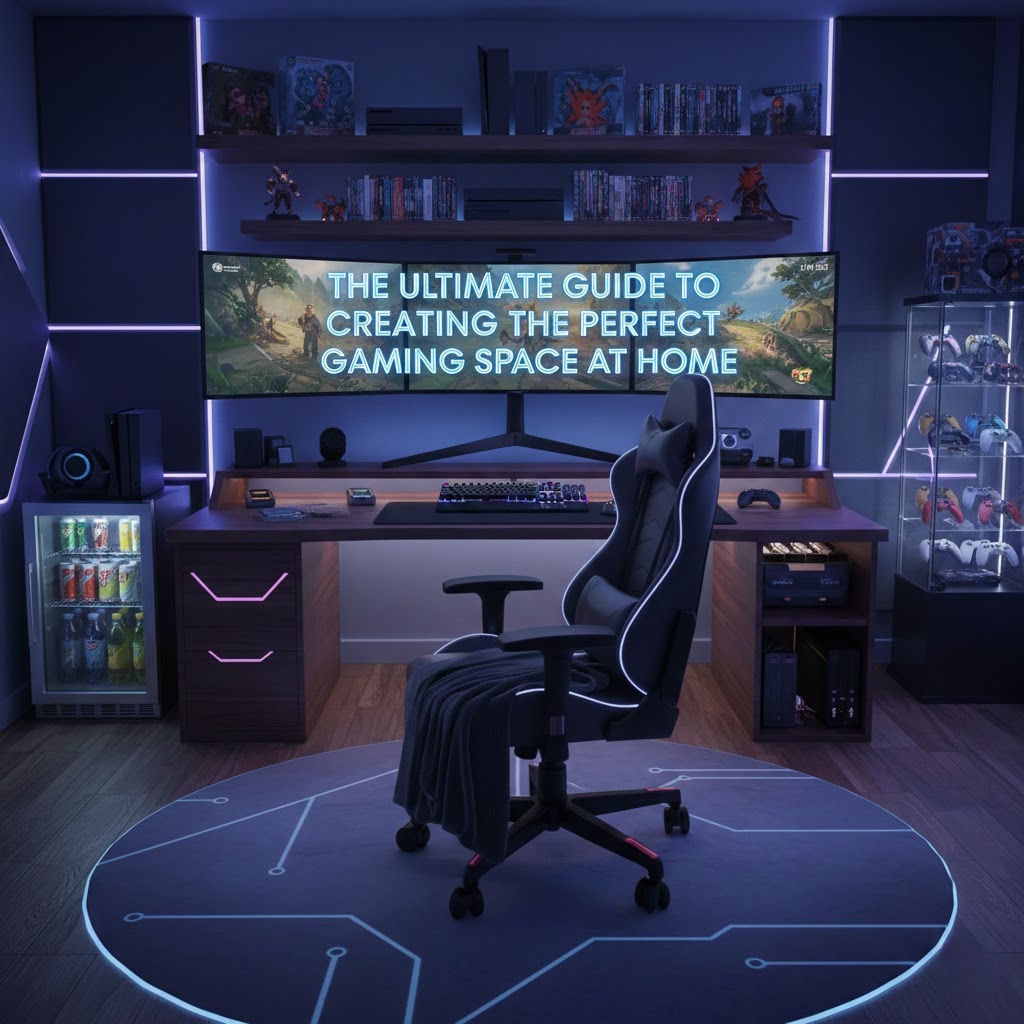
Introduction
Building the perfect gaming space is about far more than placing a console next to a TV or setting up a PC on any spare desk. A well-designed gaming space improves comfort, boosts performance, enhances immersion, and turns gaming into a true lifestyle experience. Whether you play casually, competitively, or socially with friends, your environment has a direct impact on how much you enjoy your games.
This guide walks through everything you need to consider when creating the perfect gaming space, from planning and layout to furniture, lighting, sound, and personal style.
1. Start with Purpose and Planning
Before buying furniture or gadgets, define what your gaming space needs to do.
Ask yourself:
- Do you primarily play console, PC, or both?
- Is this space for solo gaming, streaming, or social play?
- Will it double as a home office or entertainment room?
- How much space do you realistically have?
Measure your room carefully and consider where power outlets, windows, and ventilation are located. Planning early prevents clutter, awkward layouts, and unnecessary spending.
2. Choose the Right Room and Layout
Your gaming space should be quiet, comfortable, and adaptable.
Ideal room characteristics:
- Minimal foot traffic
- Good ventilation
- Enough wall space for screens or shelving
- Control over natural light
Layout tips:
- Place screens at eye level to avoid neck strain
- Leave enough space behind chairs for movement
- Keep cables and power sources accessible
- Allow room for upgrades or additional equipment later
A smart layout ensures comfort during long sessions and keeps your setup looking clean and intentional.
3. Invest in Proper Gaming Furniture
Furniture is the foundation of a great gaming space. Comfort and ergonomics matter just as much as style.
Gaming chairs:
- Adjustable height and armrests
- Lumbar and neck support
- Breathable materials for long sessions
Desks and surfaces:
- Enough depth for screens at a safe distance
- Solid build to handle monitors and accessories
- Cable management features
Seating for console or social gaming:
- Recliners or modular sofas
- Home theater seating for immersive play
- Ottoman or footrests for comfort
Quality furniture reduces fatigue, improves posture, and makes gaming more enjoyable over time.
4. Optimize Your Display Setup
Your screen setup defines how immersive your gaming experience feels.
Display considerations:
- Screen size appropriate for room distance
- High refresh rates for competitive gaming
- Proper mounting or stand positioning
Multiple screens:
- Useful for streaming, multitasking, or PC gaming
- Align monitors evenly to reduce eye strain
Ensure displays are positioned to avoid glare from windows or lights, and calibrate brightness and contrast for long sessions.
5. Lighting: Function and Atmosphere
Lighting is often overlooked, but it plays a huge role in comfort and immersion.
Functional lighting:
- Soft ambient lighting to reduce eye strain
- Task lighting for desks and keyboards
Atmospheric lighting:
- RGB LED strips behind desks or screens
- Wall panels or light bars for mood
- Colour presets for different games or activities
Avoid harsh overhead lighting and aim for balanced illumination that complements your screen.
6. Sound and Acoustics
Audio can elevate gaming from good to unforgettable.
Options include:
- Gaming headsets for precision and immersion
- External speakers for social or casual gaming
- Surround sound systems for game rooms
Acoustic tips:
- Soft furnishings reduce echo
- Rugs and wall panels improve sound quality
- Position speakers correctly for balanced audio
Good sound design enhances awareness, atmosphere, and enjoyment.
7. Cable Management and Power
Messy cables can ruin even the best gaming setup.
Best practices:
- Use cable trays or sleeves
- Label power adapters
- Use surge protectors
- Keep frequently used ports accessible
Clean cable management improves airflow, safety, and aesthetics.
8. Add Personality and Style
Your gaming space should feel like yours.
Personal touches:
- Wall art or posters
- Shelves for collectibles
- Neon signs or custom decor
- Themed colour schemes
A personalised space increases pride and motivation to keep it organised and upgraded.
9. Future-Proof Your Gaming Space
Technology evolves quickly, so design with flexibility in mind.
- Choose modular furniture
- Leave space for additional screens or consoles
- Use adjustable mounts and shelves
- Plan extra power capacity
Future-proofing saves money and prevents constant redesigns.
Conclusion
The perfect gaming space balances comfort, performance, and personal style. By planning carefully, investing in quality furniture, optimising lighting and sound, and keeping your setup flexible, you can create a gaming environment that grows with you and enhances every session.